Skip to content
  • facebook.com
  • twitter.com
  • t.me
  • instagram.com
  • youtube.com
Computer Fundamentals

Master the Basics. Understand the Technology Behind Every Computer.

Subscribe
  • Home
  • About
  • Blog
  • Contact
  • Online Tools
  • Computer Fundamentals App
  • Home
  • Desktop Computers
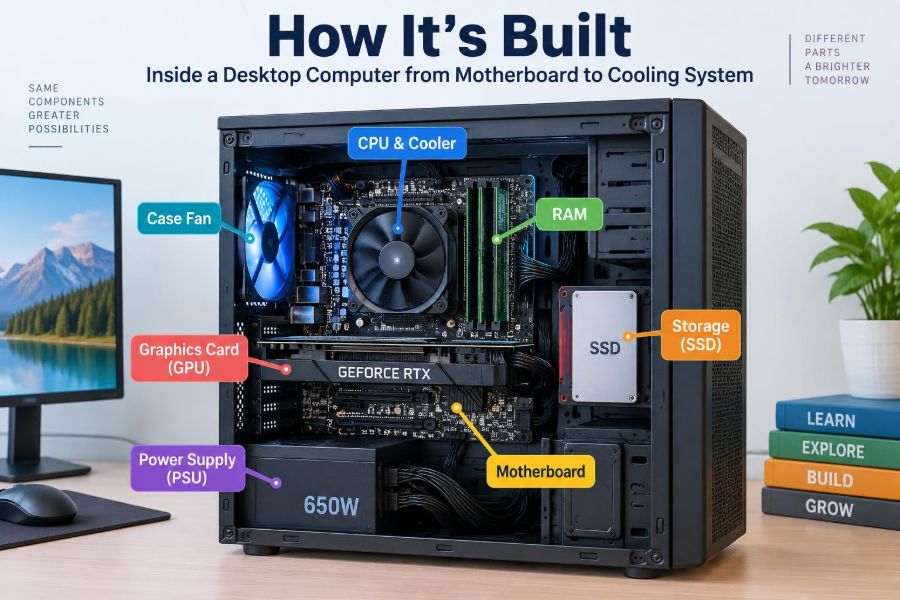
🖥️ How It’s Built: Inside a Desktop Computer from Motherboard to Cooling System
Posted inFeatured

🖥️ How It’s Built: Inside a Desktop Computer from Motherboard to Cooling System

Posted by admin October 28, 2026
Follow the path from motherboard and CPU to RAM, storage, power, graphics, and airflow. Learn how desktop parts connect—and what to check before building or upgrading. 🌬️🔌🧠
Read More
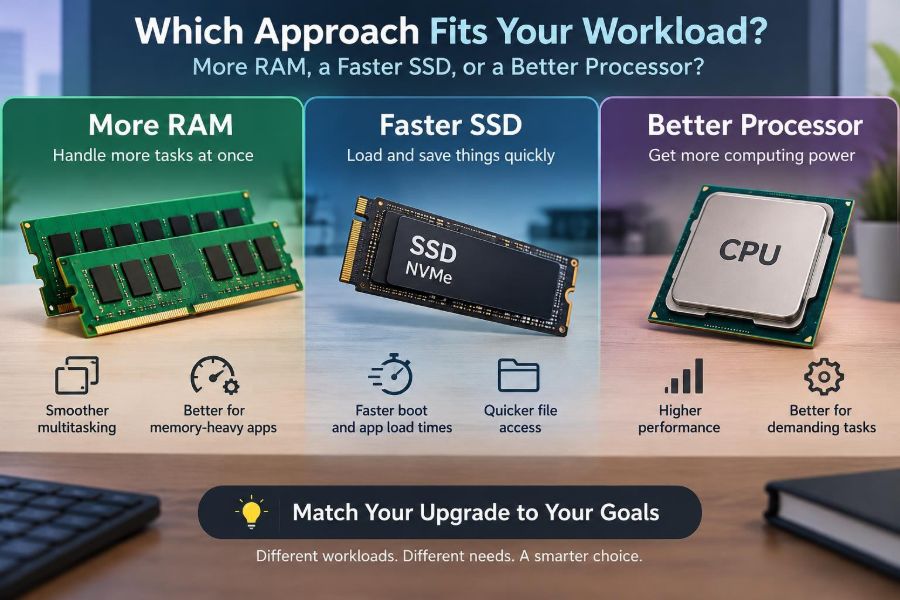
🖥️ Which Approach Fits Your Workload: More RAM, a Faster SSD, or a Better Processor?
Posted inFeatured

🖥️ Which Approach Fits Your Workload: More RAM, a Faster SSD, or a Better Processor?

Posted by admin October 28, 2026
Slow computer, but unsure what to replace? Learn how RAM, SSDs, and processors affect real tasks—and spot the bottleneck before you spend. ⚙️💾🧠
Read More
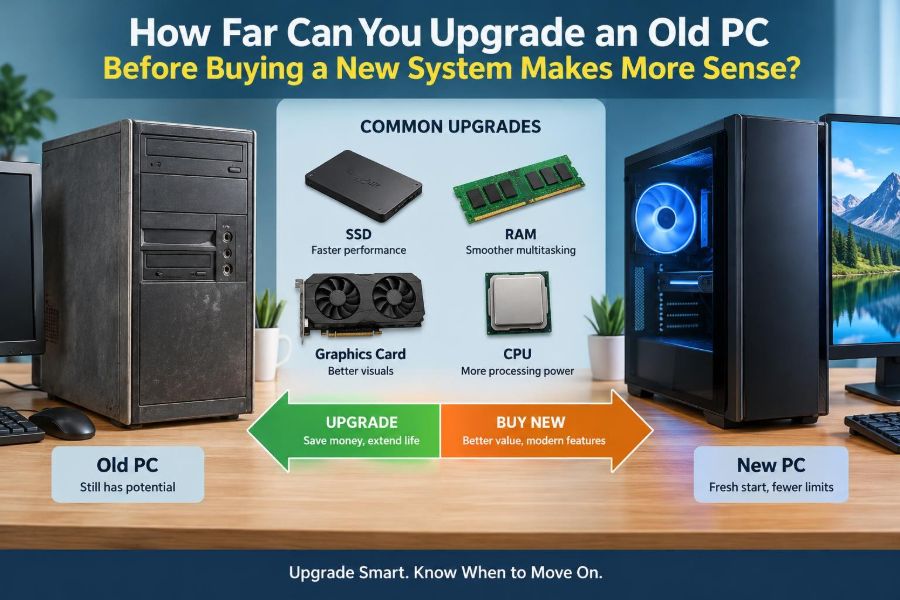
🖥️ How Far Can You Upgrade an Old PC Before Buying a New System Makes More Sense?
Posted inFeatured

🖥️ How Far Can You Upgrade an Old PC Before Buying a New System Makes More Sense?

Posted by admin October 20, 2026
Before you buy RAM, an SSD, or a new computer, learn how to find the real bottleneck, check compatibility, and spot the point where upgrades stop making sense. 🔧💾💡
Read More
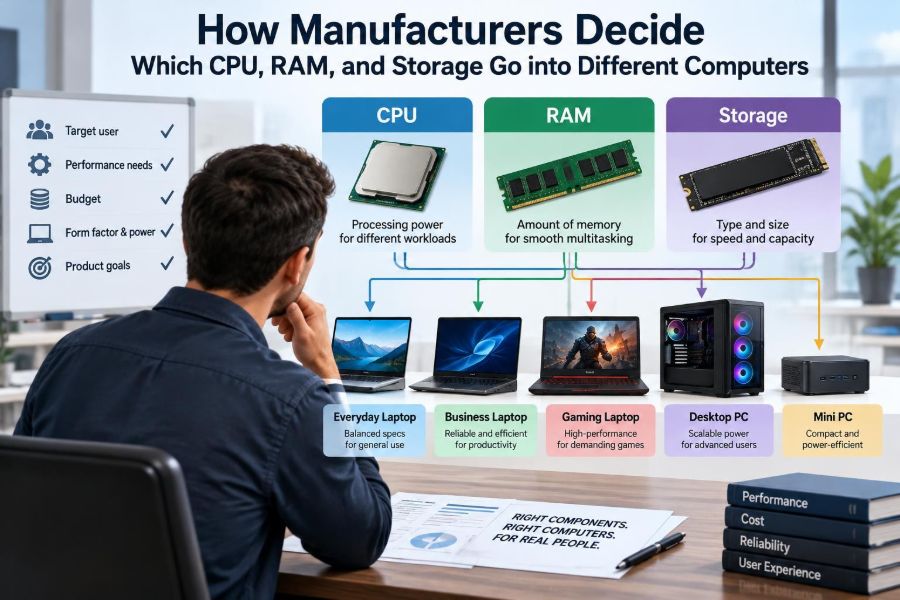
🖥️ How Manufacturers Decide Which CPU, RAM, and Storage Go into Different Computers
Posted inFeatured

🖥️ How Manufacturers Decide Which CPU, RAM, and Storage Go into Different Computers

Posted by admin October 18, 2026
A CPU, RAM, and SSD are never chosen alone. See how cost, cooling, battery life, workloads, and upgrade options shape every computer configuration. ⚙️💾🔍
Read More
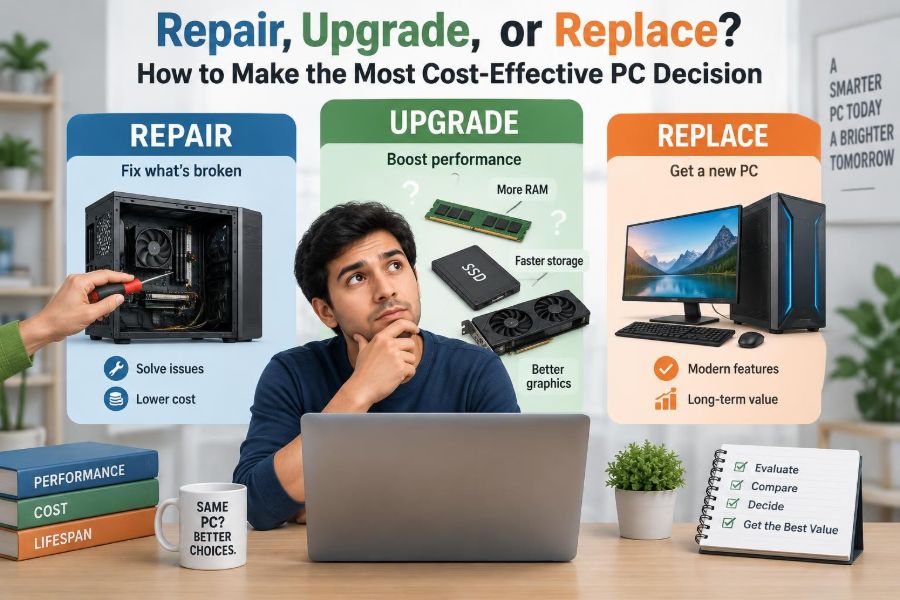
🖥️ Repair, Upgrade, or Replace? How to Make the Most Cost-Effective PC Decision
Posted inFeatured

🖥️ Repair, Upgrade, or Replace? How to Make the Most Cost-Effective PC Decision

Posted by admin October 10, 2026
Is your computer truly outdated—or is one fix all it needs? Learn how to diagnose bottlenecks, compare real costs, and choose wisely. 🔧💾♻️
Read More
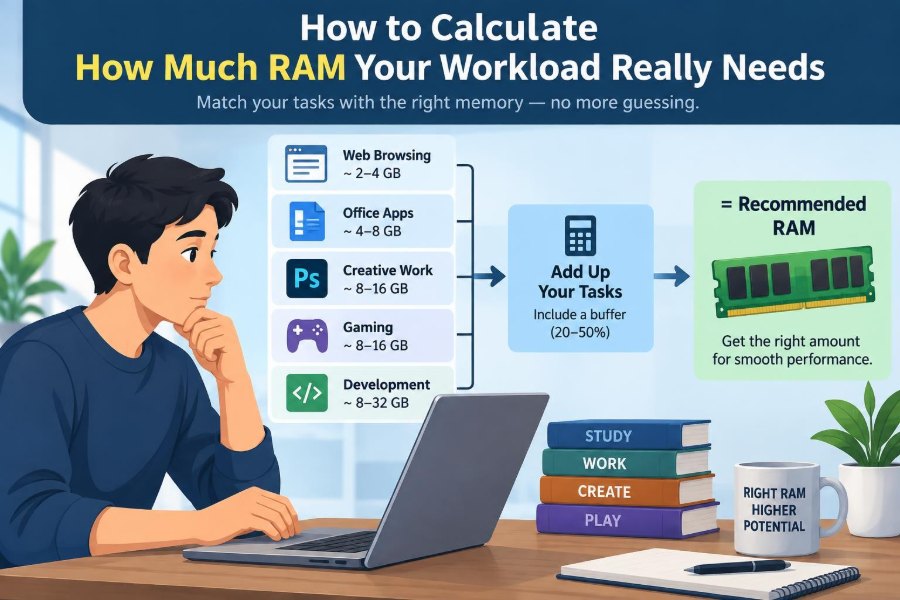
🖥️ How to Calculate How Much RAM Your Workload Really Needs
Posted inFeatured

🖥️ How to Calculate How Much RAM Your Workload Really Needs

Posted by admin September 30, 2026
Stop guessing between 8 GB, 16 GB, and 32 GB. Learn how to measure real memory pressure, spot swapping, and size RAM for your busiest workday. 💻📊⚙️
Read More
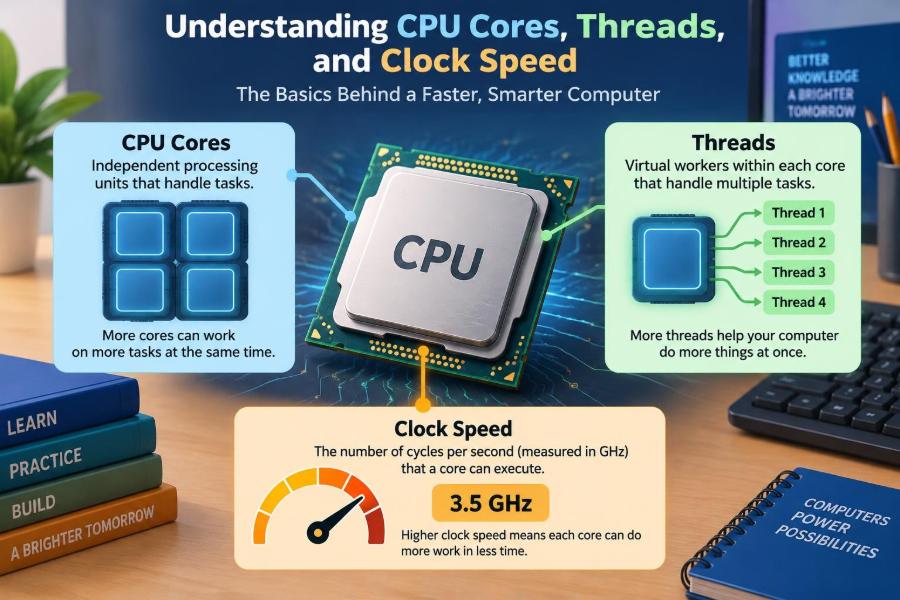
🖥️ Understanding CPU Cores, Threads, and Clock Speed in Everyday Computing
Posted inFeatured

🖥️ Understanding CPU Cores, Threads, and Clock Speed in Everyday Computing

Posted by admin September 28, 2026
A bigger core count or higher GHz is not always faster. Learn what cores, threads, boost clocks, heat, RAM, and software mean for your daily computer use. ⚙️💻📚
Read More
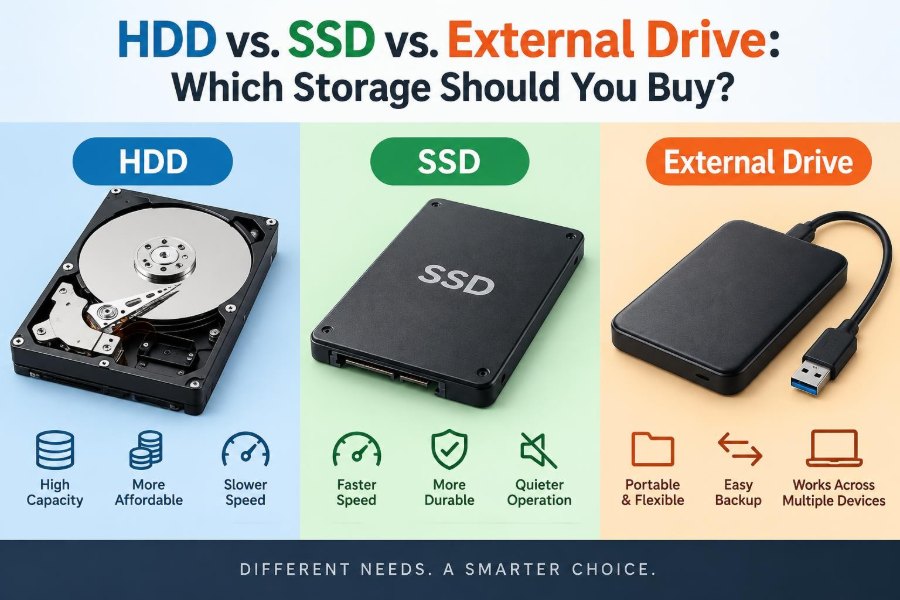
⚖️ HDD vs. SSD vs. External Drive: Which Storage Should You Buy?
Posted inFeatured

⚖️ HDD vs. SSD vs. External Drive: Which Storage Should You Buy?

Posted by admin September 18, 2026
HDD, SSD, and external drive labels can be confusing. Learn what each option does best, what to check before buying, and how to keep important files safe. 🧳🔐💻
Read More

Recent Posts

  • 🖥️ How to Find Which Program Is Secretly Using Most of Your Computer’s Resources
  • 🖥️ What Is Actually Happening Inside Your Computer While You Use It?
  • 🖥️ Is It Worth Upgrading an Old PC with More RAM and an SSD?
  • 🖥️ After a Windows Update: Why Some Computers Become Faster, Slower, or Unstable
  • 🖥️ Inside Your Computer’s Memory System: How Cache, RAM, and Storage Work Together

Recent Comments

No comments to show.

Archives

  • November 2026
  • October 2026
  • September 2026
  • August 2026
  • November 2021
  • October 2021
  • August 2021
  • July 2021

Categories

  • Basics
  • Cybersecurity
  • Featured
  • Uncategorized
Copyright 2026 — Computer Fundamentals. All rights reserved. Bloghash WordPress Theme
Scroll to Top