Skip to content
  • facebook.com
  • twitter.com
  • t.me
  • instagram.com
  • youtube.com
Computer Fundamentals

Master the Basics. Understand the Technology Behind Every Computer.

Subscribe
  • Home
  • About
  • Blog
  • Contact
  • Online Tools
  • Computer Fundamentals App
  • Home
  • startup apps
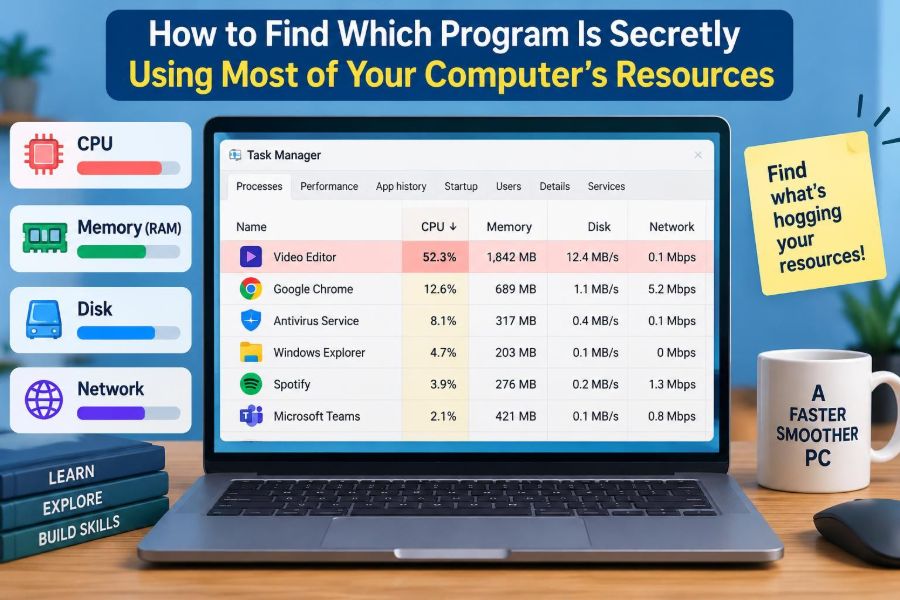
🖥️ How to Find Which Program Is Secretly Using Most of Your Computer’s Resources
Posted inFeatured

🖥️ How to Find Which Program Is Secretly Using Most of Your Computer’s Resources

Posted by admin November 4, 2026
A loud fan or laggy app does not always reveal the real culprit. Learn to trace CPU, RAM, disk, network, and GPU use safely on any system. ⚙️💻🧭
Read More
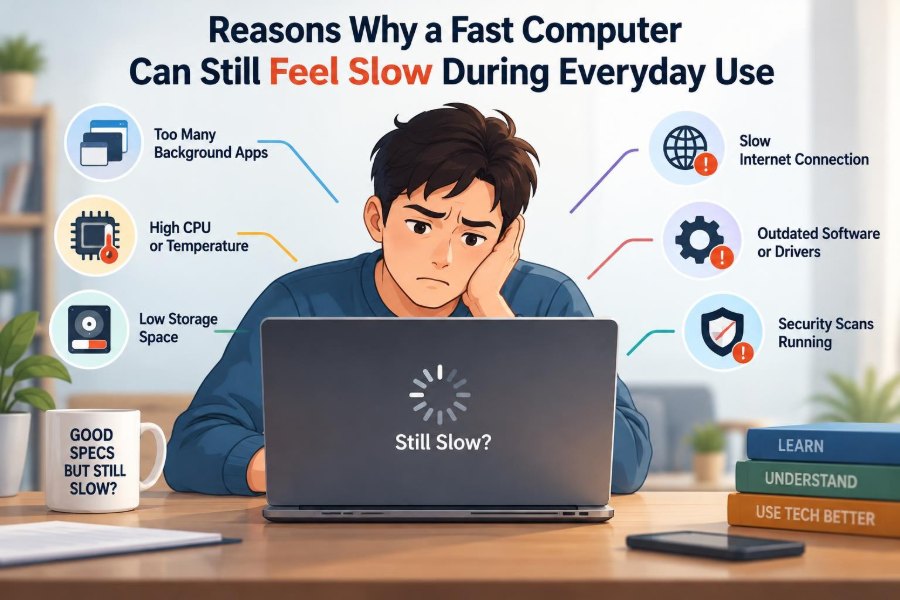
🖥️ Reasons Why a Fast Computer Can Still Feel Slow During Everyday Use
Posted inFeatured

🖥️ Reasons Why a Fast Computer Can Still Feel Slow During Everyday Use

Posted by admin October 17, 2026
A fast CPU is only one part of responsiveness. Discover the hidden delays caused by memory, storage, Wi-Fi, heat, browsers, and background tasks—and troubleshoot wisely. 🔍⚙️💻
Read More
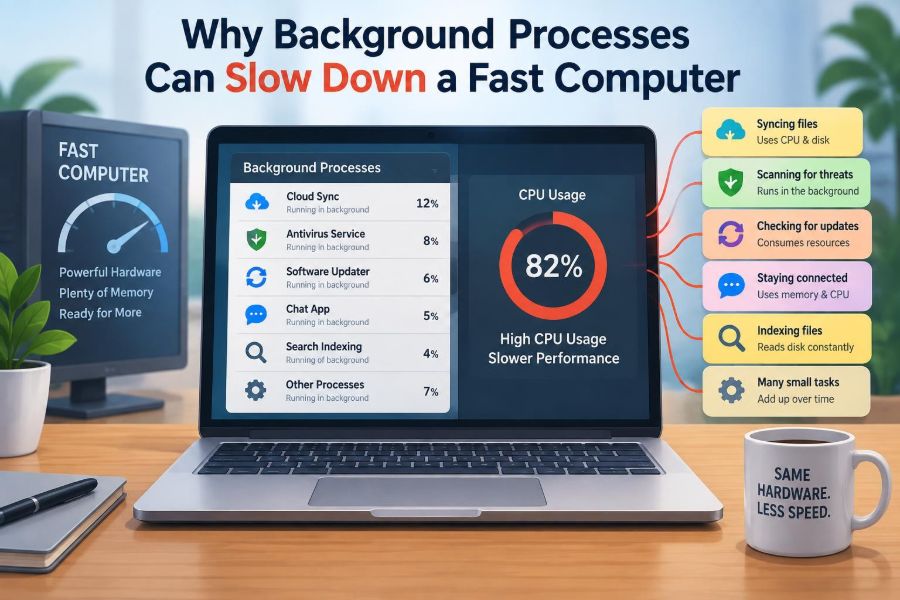
🖥️ Why Background Processes Can Slow Down a Fast Computer
Posted inFeatured

🖥️ Why Background Processes Can Slow Down a Fast Computer

Posted by admin October 5, 2026
Invisible apps may be competing for CPU, RAM, storage, or bandwidth. Learn what background processes do, how to spot the real bottleneck, and what to change safely. ⚙️🔍💻
Read More
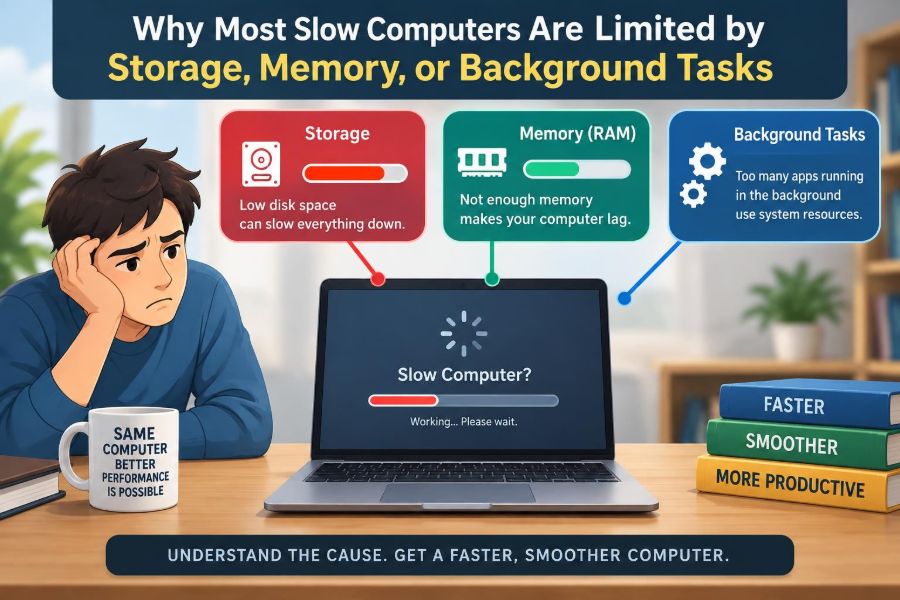
🖥️ Why Most Slow Computers Are Limited by Storage, Memory, or Background Tasks
Posted inFeatured

🖥️ Why Most Slow Computers Are Limited by Storage, Memory, or Background Tasks

Posted by admin October 4, 2026
Startup lag, frozen tabs, and long loading screens often point to storage, RAM, or hidden background work—not just the CPU. Learn what to check first. ⚙️🔍💾
Read More
🖥️ How to Set Up a New Windows PC for Better Performance and Security
Posted inFeatured

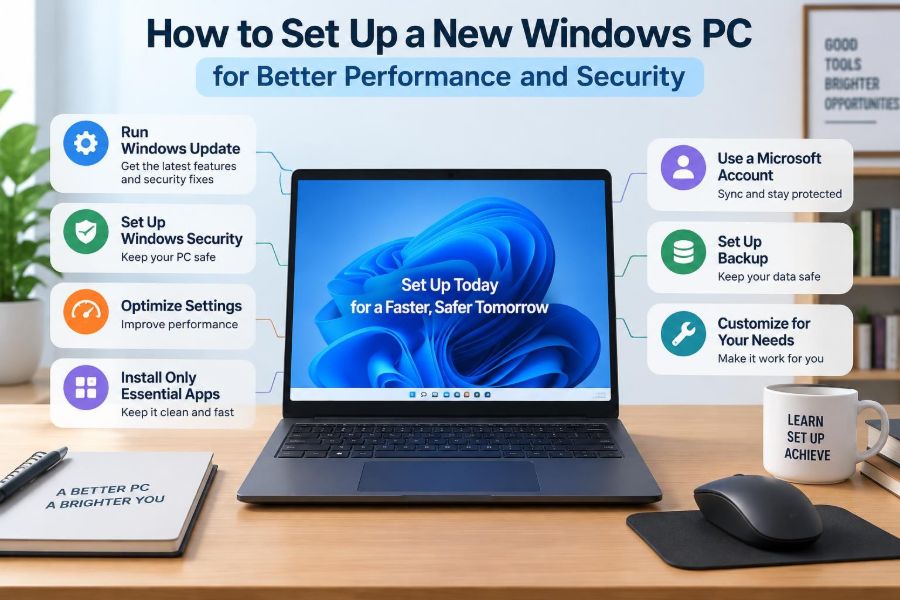
🖥️ How to Set Up a New Windows PC for Better Performance and Security

Posted by admin September 30, 2026
A fast new computer can become cluttered and vulnerable quickly. Learn the practical Windows settings for updates, backups, privacy, startup speed, and safer accounts. ⚙️🛡️💾
Read More
💻 How to Find What Is Slowing Down a Windows Computer Step by Step
Posted inFeatured

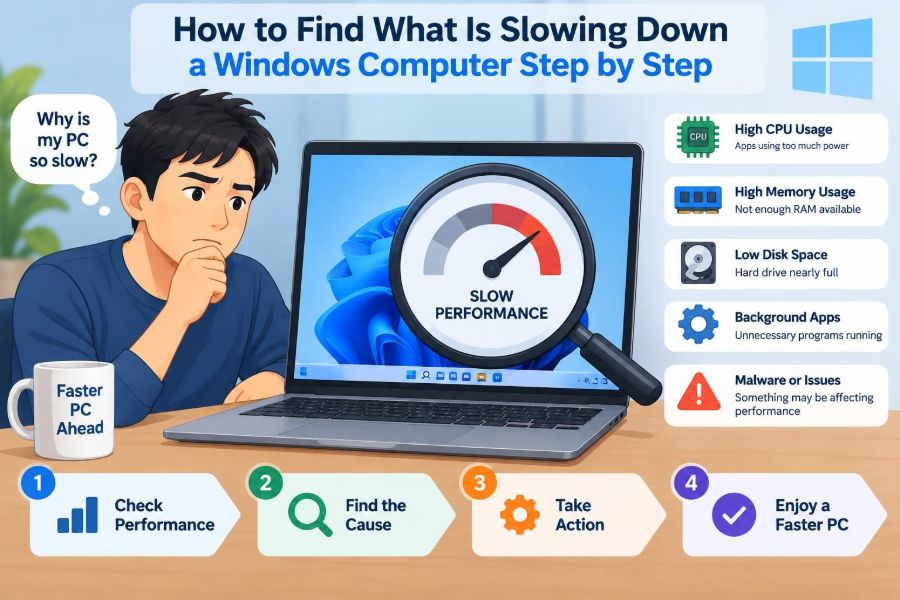
💻 How to Find What Is Slowing Down a Windows Computer Step by Step

Posted by admin September 22, 2026
Stop guessing at a slow PC. Learn how to read Task Manager, spot CPU, RAM, disk, network, and heat problems, then choose a safe fix step by step. ⚙️🧠✅
Read More

Recent Posts

  • 🖥️ Useful AI Tools for Everyday Computer Work, Troubleshooting, Writing, and Productivity
  • 🖥️ IT Support and Computer Technician Salaries: How Skills and Certifications Affect Pay
  • 🖥️ Explaining Cache Memory: Why Tiny Amounts of Fast Memory Make Computers Much Quicker
  • 🖥️ 10 Interesting Facts About Computers That Explain How They Really Work
  • 🖥️ How to Find Which Program Is Secretly Using Most of Your Computer’s Resources

Recent Comments

No comments to show.

Archives

  • November 2026
  • October 2026
  • September 2026
  • August 2026
  • November 2021
  • October 2021
  • August 2021
  • July 2021

Categories

  • Basics
  • Cybersecurity
  • Featured
  • Uncategorized
Copyright 2026 — Computer Fundamentals. All rights reserved. Bloghash WordPress Theme
Scroll to Top