Skip to content
  • facebook.com
  • twitter.com
  • t.me
  • instagram.com
  • youtube.com
Computer Fundamentals

Master the Basics. Understand the Technology Behind Every Computer.

Subscribe
  • Home
  • About
  • Blog
  • Contact
  • Online Tools
  • Computer Fundamentals App
  • Home
  • RAM upgrade
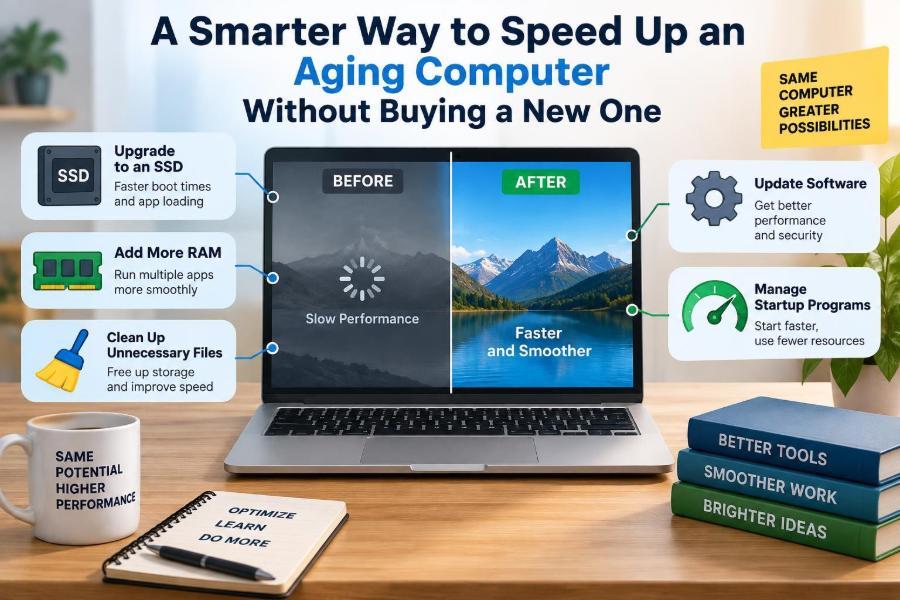
🖥️ A Smarter Way to Speed Up an Aging Computer Without Buying a New One
Posted inFeatured

🖥️ A Smarter Way to Speed Up an Aging Computer Without Buying a New One

Posted by admin October 27, 2026
Before replacing an aging PC, find what is actually slowing it down. Learn which fixes matter, when an SSD or RAM helps, and when it is time to move on. 🔧💾🧠
Read More
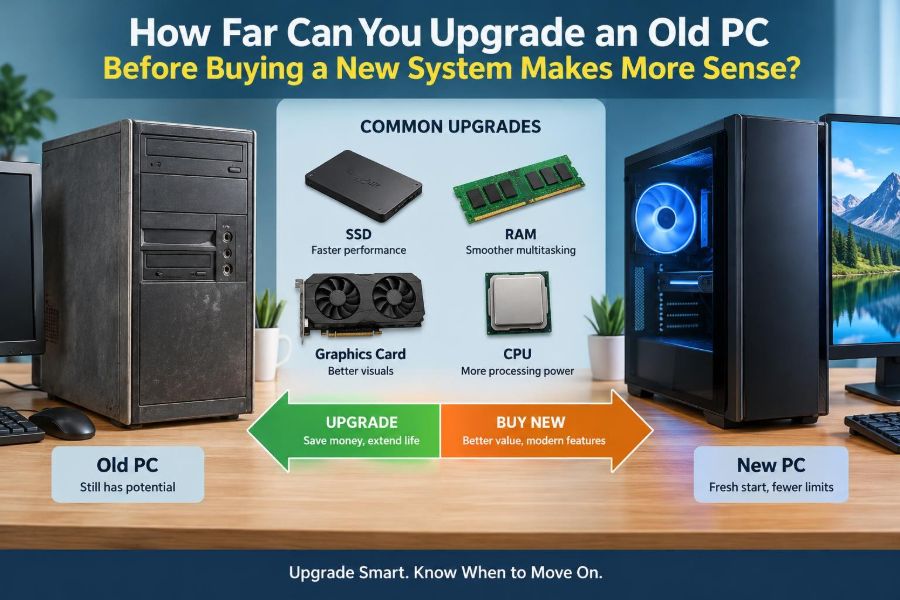
🖥️ How Far Can You Upgrade an Old PC Before Buying a New System Makes More Sense?
Posted inFeatured

🖥️ How Far Can You Upgrade an Old PC Before Buying a New System Makes More Sense?

Posted by admin October 20, 2026
Before you buy RAM, an SSD, or a new computer, learn how to find the real bottleneck, check compatibility, and spot the point where upgrades stop making sense. 🔧💾💡
Read More
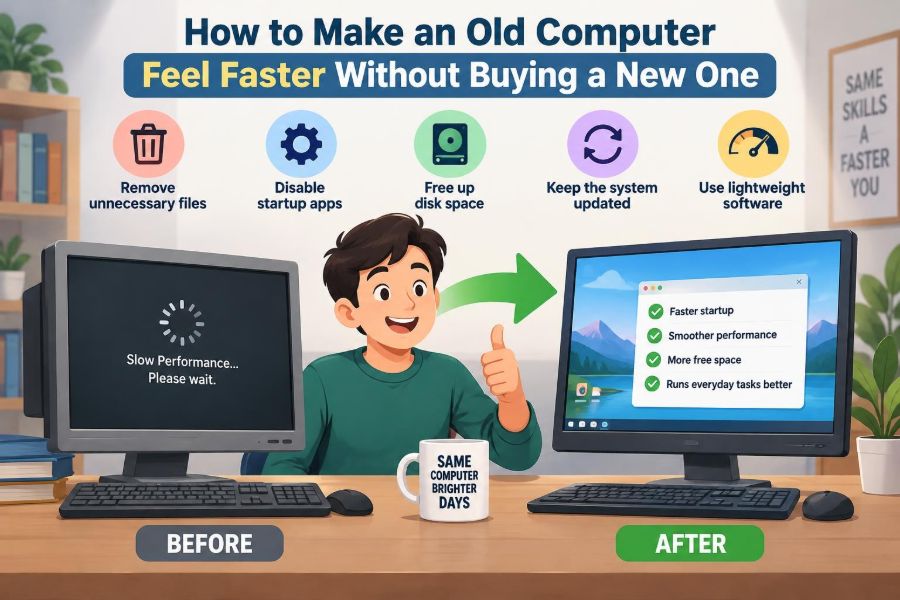
🖥️ How to Make an Old Computer Feel Faster Without Buying a New One
Posted inFeatured

🖥️ How to Make an Old Computer Feel Faster Without Buying a New One

Posted by admin October 19, 2026
Before replacing a slow laptop or desktop, find what is actually holding it back. Learn practical fixes for storage, RAM, startup apps, heat, browsers, and more. 🛠️💾🚀
Read More
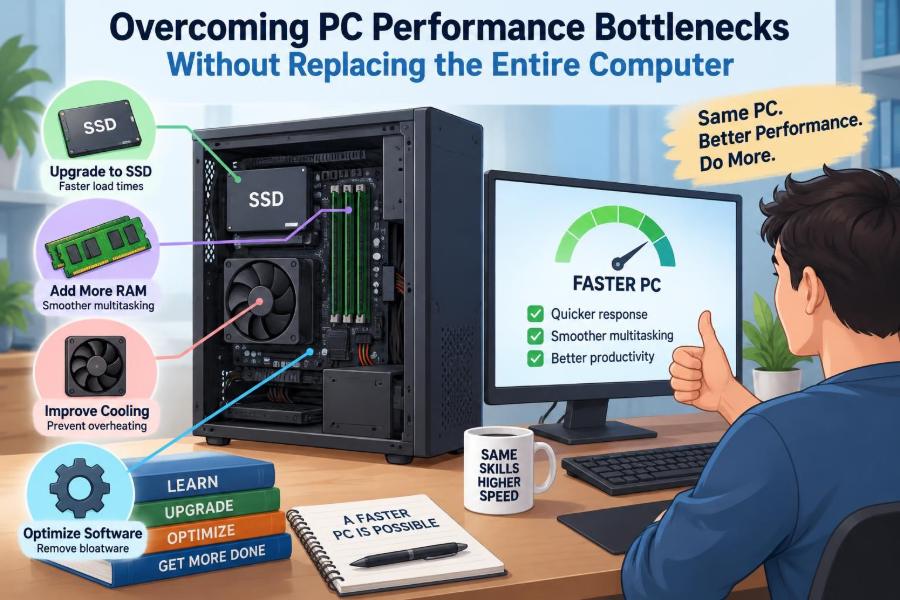
🖥️ Overcoming PC Performance Bottlenecks Without Replacing the Entire Computer
Posted inFeatured

🖥️ Overcoming PC Performance Bottlenecks Without Replacing the Entire Computer

Posted by admin October 19, 2026
Before replacing your computer, learn to spot the real bottleneck—from RAM and storage to heat, software, and graphics settings. Make upgrades that solve the problem. ⚙️💾🚀
Read More
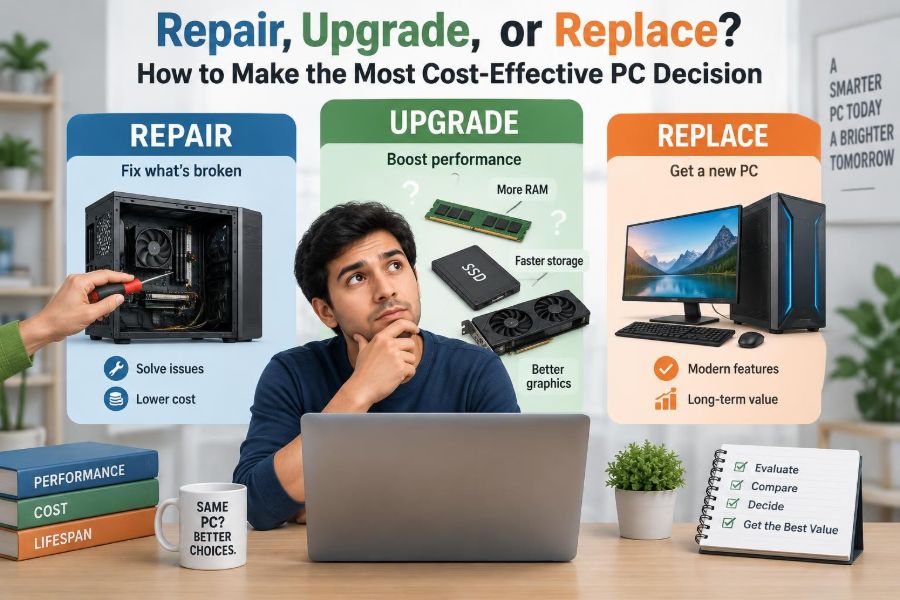
🖥️ Repair, Upgrade, or Replace? How to Make the Most Cost-Effective PC Decision
Posted inFeatured

🖥️ Repair, Upgrade, or Replace? How to Make the Most Cost-Effective PC Decision

Posted by admin October 10, 2026
Is your computer truly outdated—or is one fix all it needs? Learn how to diagnose bottlenecks, compare real costs, and choose wisely. 🔧💾♻️
Read More
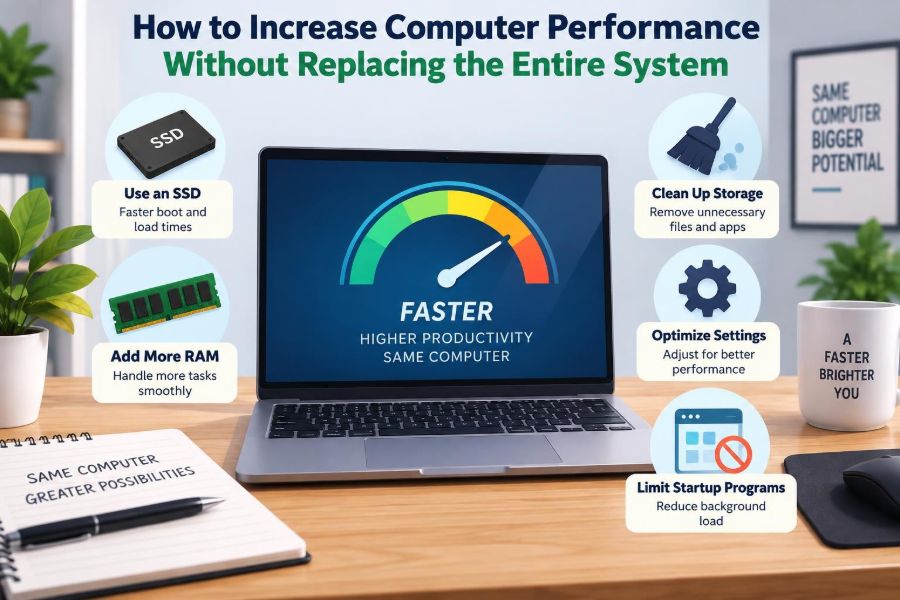
🖥️ How to Increase Computer Performance Without Replacing the Entire System
Posted inFeatured

🖥️ How to Increase Computer Performance Without Replacing the Entire System

Posted by admin October 2, 2026
Before replacing your computer, find the real bottleneck. Learn when an SSD, more RAM, cleaner startup settings, or better cooling can make a meaningful difference. 🧠🛠️🔍
Read More
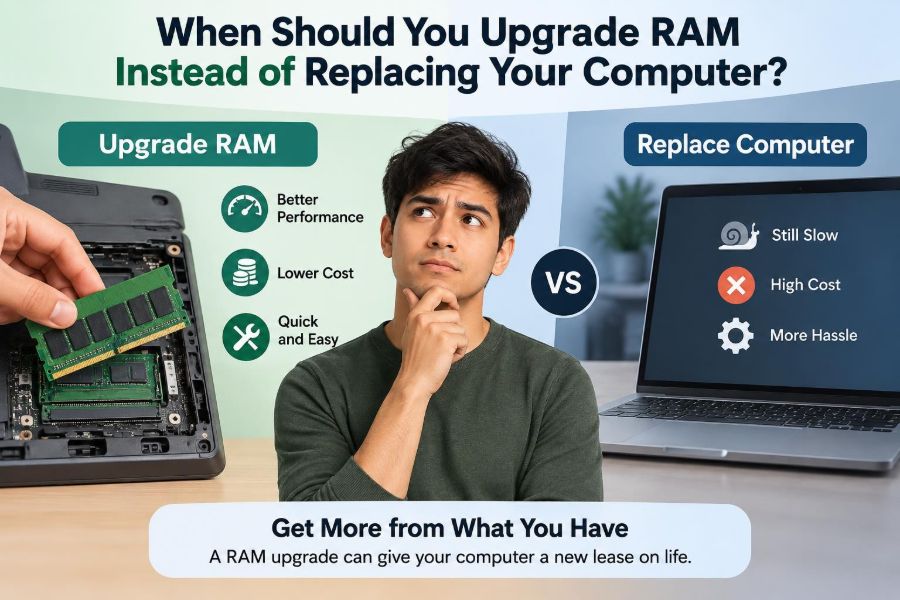
💻 When Should You Upgrade RAM Instead of Replacing Your Computer?
Posted inFeatured

💻 When Should You Upgrade RAM Instead of Replacing Your Computer?

Posted by admin September 25, 2026
Before replacing a sluggish computer, learn the signs of a true memory bottleneck, what RAM can fix, and when a new machine makes more sense. 🔧📊💡
Read More
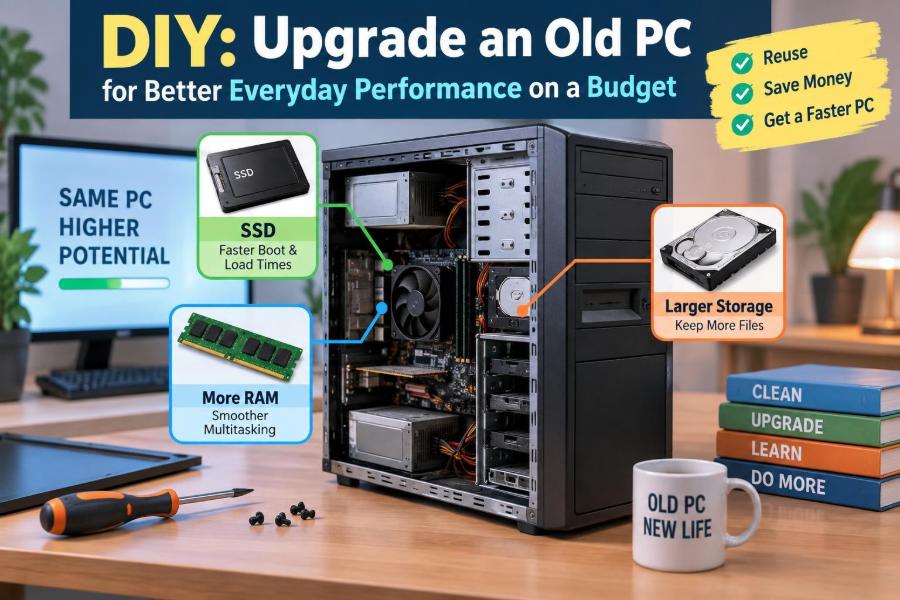
🖥️ DIY: Upgrade an Old PC for Better Everyday Performance on a Budget
Posted inFeatured

🖥️ DIY: Upgrade an Old PC for Better Everyday Performance on a Budget

Posted by admin September 22, 2026
Find the slowdown, choose compatible upgrades, and avoid costly mistakes. Learn when an SSD, RAM, cleaning, or replacement makes the most sense. 🔧💾♻️
Read More

Recent Posts

  • 🖥️ Useful AI Tools for Everyday Computer Work, Troubleshooting, Writing, and Productivity
  • 🖥️ IT Support and Computer Technician Salaries: How Skills and Certifications Affect Pay
  • 🖥️ Explaining Cache Memory: Why Tiny Amounts of Fast Memory Make Computers Much Quicker
  • 🖥️ 10 Interesting Facts About Computers That Explain How They Really Work
  • 🖥️ How to Find Which Program Is Secretly Using Most of Your Computer’s Resources

Recent Comments

No comments to show.

Archives

  • November 2026
  • October 2026
  • September 2026
  • August 2026
  • November 2021
  • October 2021
  • August 2021
  • July 2021

Categories

  • Basics
  • Cybersecurity
  • Featured
  • Uncategorized
Copyright 2026 — Computer Fundamentals. All rights reserved. Bloghash WordPress Theme
Scroll to Top