Skip to content
  • facebook.com
  • twitter.com
  • t.me
  • instagram.com
  • youtube.com
Computer Fundamentals

Master the Basics. Understand the Technology Behind Every Computer.

Subscribe
  • Home
  • About
  • Blog
  • Contact
  • Online Tools
  • Computer Fundamentals App
  • Home
  • troubleshooting
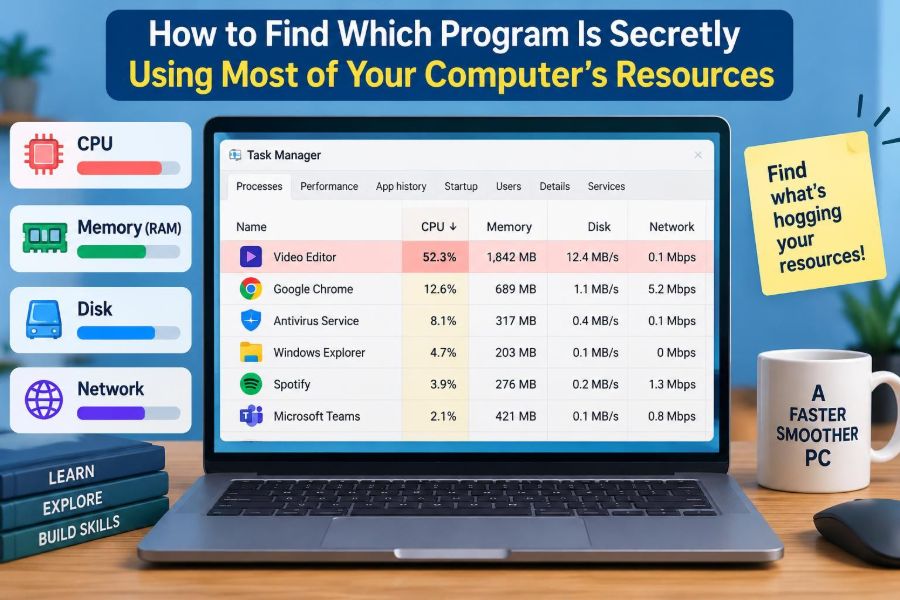
🖥️ How to Find Which Program Is Secretly Using Most of Your Computer’s Resources
Posted inFeatured

🖥️ How to Find Which Program Is Secretly Using Most of Your Computer’s Resources

Posted by admin November 4, 2026
A loud fan or laggy app does not always reveal the real culprit. Learn to trace CPU, RAM, disk, network, and GPU use safely on any system. ⚙️💻🧭
Read More
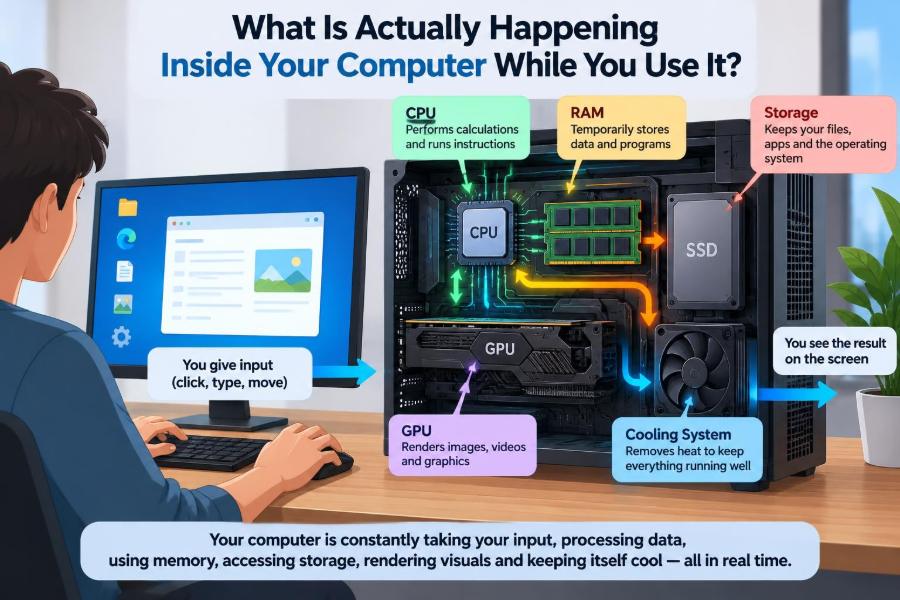
🖥️ What Is Actually Happening Inside Your Computer While You Use It?
Posted inFeatured

🖥️ What Is Actually Happening Inside Your Computer While You Use It?

Posted by admin October 31, 2026
From CPU instructions and RAM to graphics, Wi-Fi, heat, and browser tabs, follow the hidden chain of events behind everyday computing—and diagnose slowdowns smarter. ⚙️🧠🔍
Read More
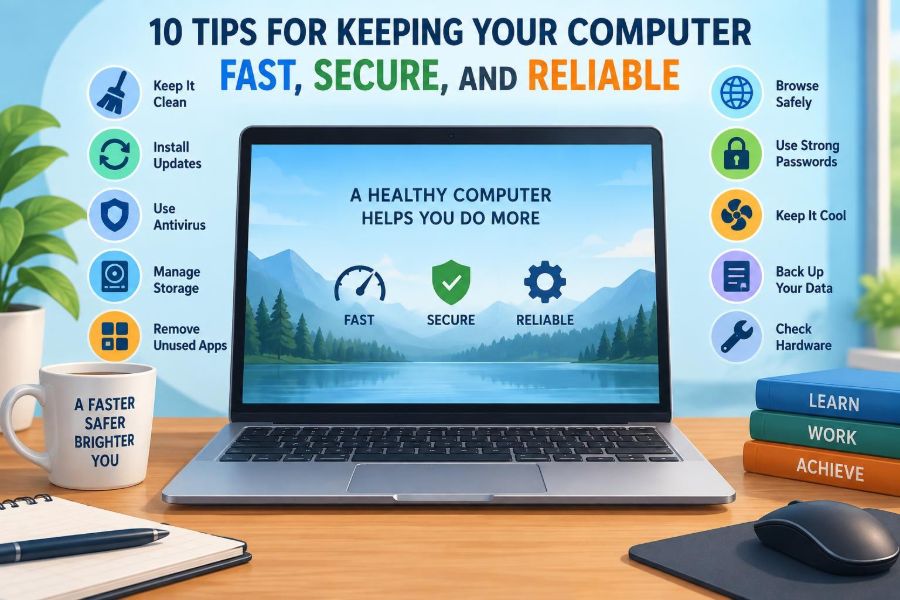
🖥️ 10 Tips for Keeping Your Computer Fast, Secure, and Reliable
Posted inFeatured

🖥️ 10 Tips for Keeping Your Computer Fast, Secure, and Reliable

Posted by admin October 26, 2026
Small habits can prevent slow startups, lost files, account compromises, and frustrating crashes. Learn 10 practical ways to keep your computer dependable every day. 🔐💾🛠️
Read More
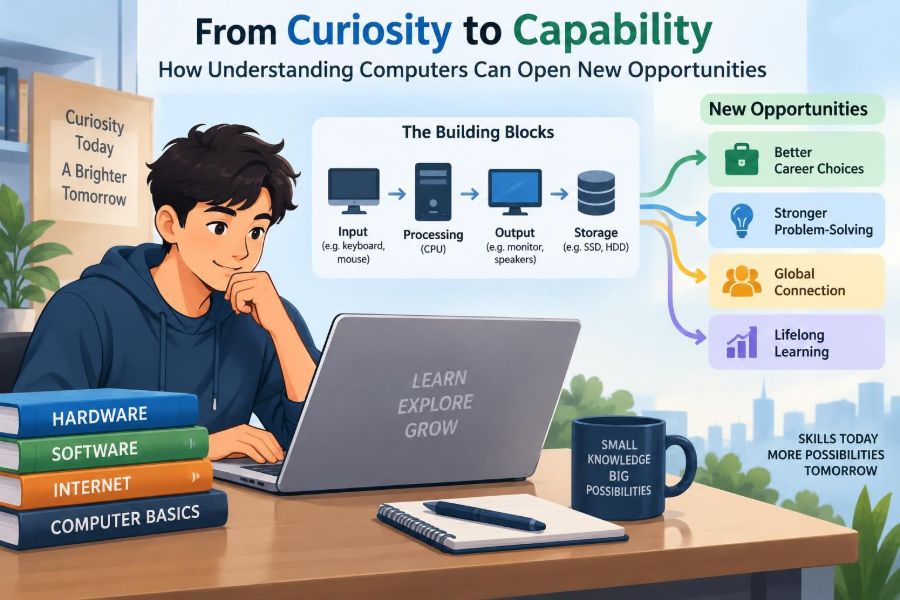
🖥️ From Curiosity to Capability: How Understanding Computers Can Open New Opportunities
Posted inFeatured

🖥️ From Curiosity to Capability: How Understanding Computers Can Open New Opportunities

Posted by admin October 24, 2026
Move beyond memorized clicks. Learn how files, software, networks, security, and troubleshooting build real digital confidence at work and beyond. 🔐📁🚀
Read More
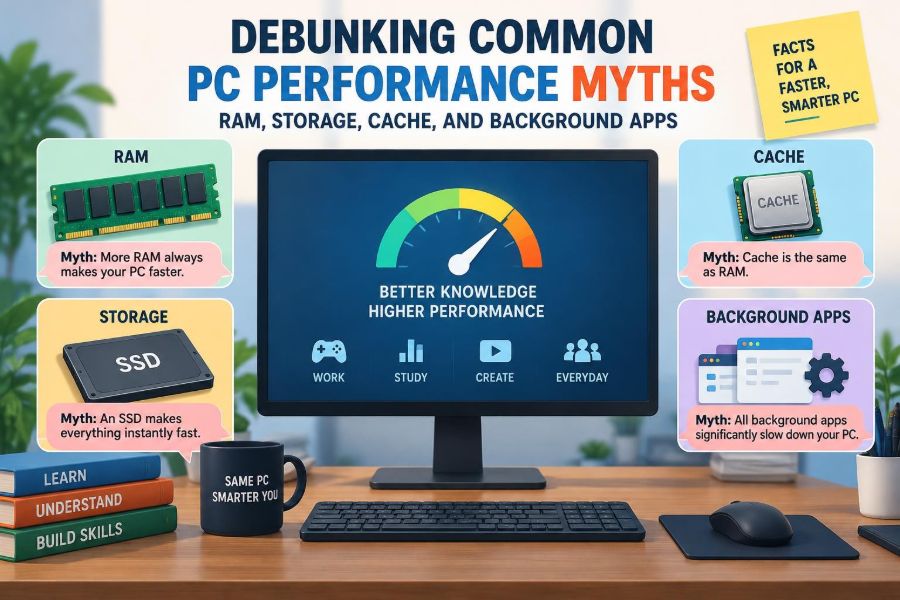
🖥️ Debunking Common PC Performance Myths: RAM, Storage, Cache, and Background Apps
Posted inFeatured

🖥️ Debunking Common PC Performance Myths: RAM, Storage, Cache, and Background Apps

Posted by admin October 15, 2026
Before buying upgrades or clearing every cache, learn what actually slows a computer down—and how to spot the real bottleneck in minutes. ⚙️💾🔎
Read More
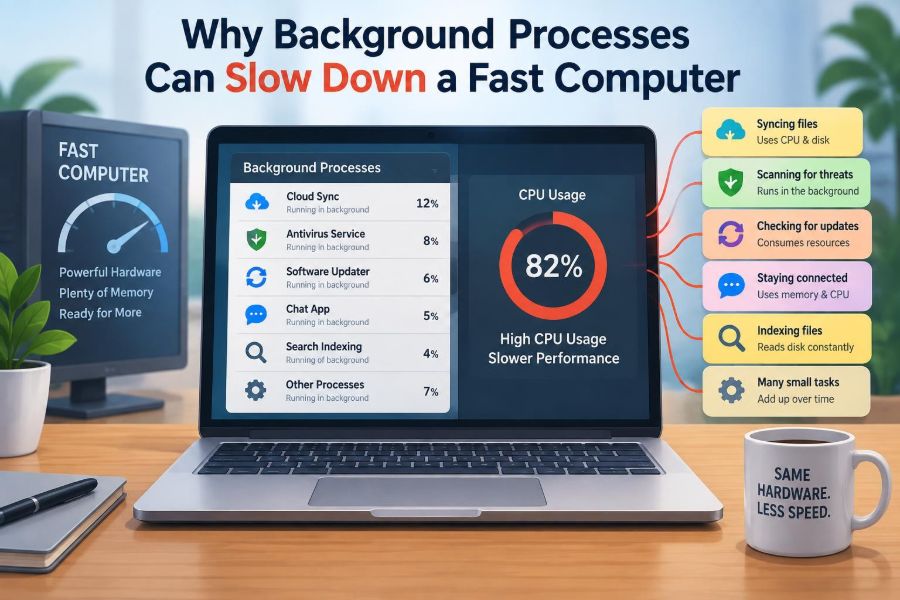
🖥️ Why Background Processes Can Slow Down a Fast Computer
Posted inFeatured

🖥️ Why Background Processes Can Slow Down a Fast Computer

Posted by admin October 5, 2026
Invisible apps may be competing for CPU, RAM, storage, or bandwidth. Learn what background processes do, how to spot the real bottleneck, and what to change safely. ⚙️🔍💻
Read More
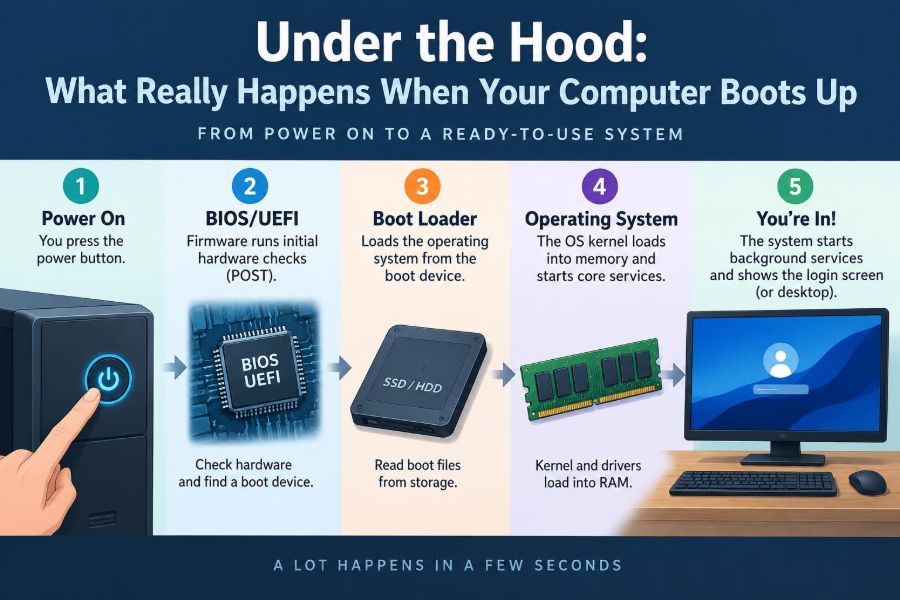
🖥️ Under the Hood: What Really Happens When Your Computer Boots Up
Posted inFeatured

🖥️ Under the Hood: What Really Happens When Your Computer Boots Up

Posted by admin September 29, 2026
From the first power signal to your login screen, follow the hidden boot chain—and learn what startup errors and slowdowns are really telling you. ⚡🔐🧠
Read More
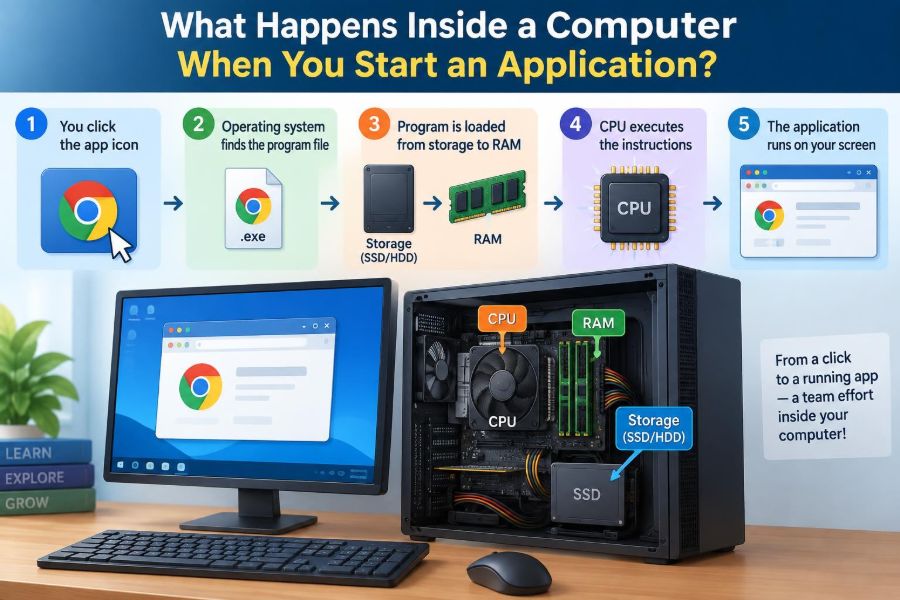
🖥️ What Happens Inside a Computer When You Start an Application?
Posted inFeatured

🖥️ What Happens Inside a Computer When You Start an Application?

Posted by admin September 18, 2026
From your first click to a working window, discover how storage, RAM, the CPU, the operating system, and security checks coordinate an app launch. ⚙️🧠🚀
Read More

Recent Posts

  • 🖥️ How to Find Which Program Is Secretly Using Most of Your Computer’s Resources
  • 🖥️ What Is Actually Happening Inside Your Computer While You Use It?
  • 🖥️ Is It Worth Upgrading an Old PC with More RAM and an SSD?
  • 🖥️ After a Windows Update: Why Some Computers Become Faster, Slower, or Unstable
  • 🖥️ Inside Your Computer’s Memory System: How Cache, RAM, and Storage Work Together

Recent Comments

No comments to show.

Archives

  • November 2026
  • October 2026
  • September 2026
  • August 2026
  • November 2021
  • October 2021
  • August 2021
  • July 2021

Categories

  • Basics
  • Cybersecurity
  • Featured
  • Uncategorized
Copyright 2026 — Computer Fundamentals. All rights reserved. Bloghash WordPress Theme
Scroll to Top