Skip to content
  • facebook.com
  • twitter.com
  • t.me
  • instagram.com
  • youtube.com
Computer Fundamentals

Master the Basics. Understand the Technology Behind Every Computer.

Subscribe
  • Home
  • About
  • Blog
  • Contact
  • Online Tools
  • Computer Fundamentals App
  • Home
  • hardware diagnostics
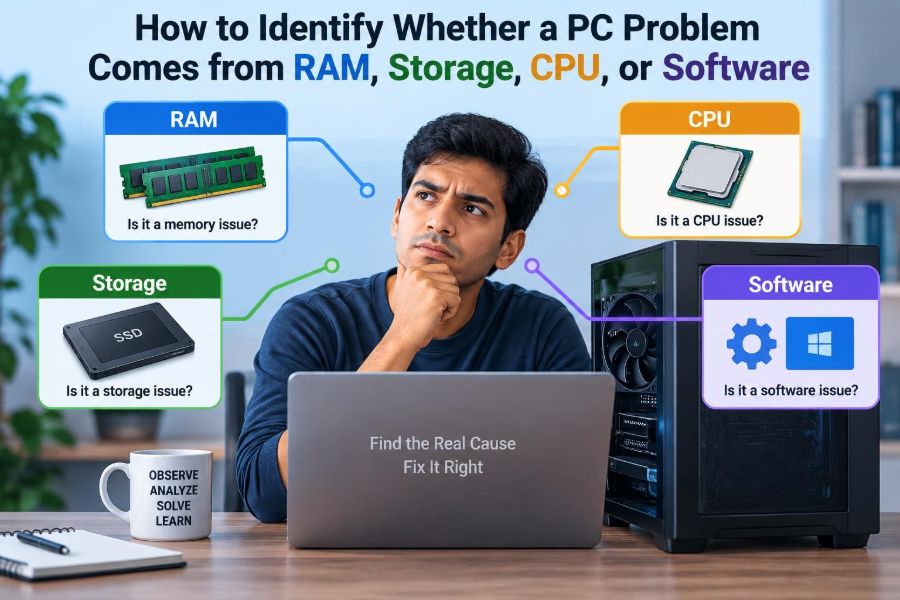
🖥️ How to Identify Whether a PC Problem Comes from RAM, Storage, CPU, or Software
Posted inFeatured

🖥️ How to Identify Whether a PC Problem Comes from RAM, Storage, CPU, or Software

Posted by admin October 7, 2026
Stop guessing before replacing parts. Learn the clues that separate RAM pressure, failing storage, CPU limits, overheating, and software conflicts—with safe tests to try first. 🔧💾🧠
Read More

Recent Posts

  • 🖥️ How to Identify Whether a PC Problem Comes from RAM, Storage, CPU, or Software
  • 🖥️ The Formula Behind Storage Capacity: How Bits, Bytes, and Binary Units Add Up
  • 🖥️ Why Background Processes Can Slow Down a Fast Computer
  • 🖥️ How to Check Which Hardware Component Is Bottlenecking Your PC
  • 🖥️ Can Technology Make Personal Computers Repair and Optimize Themselves?

Recent Comments

No comments to show.

Archives

  • October 2026
  • September 2026
  • August 2026
  • November 2021
  • October 2021
  • August 2021
  • July 2021

Categories

  • Basics
  • Cybersecurity
  • Featured
  • Uncategorized
Copyright 2026 — Computer Fundamentals. All rights reserved. Bloghash WordPress Theme
Scroll to Top