Skip to content
  • facebook.com
  • twitter.com
  • t.me
  • instagram.com
  • youtube.com
Computer Fundamentals

Master the Basics. Understand the Technology Behind Every Computer.

Subscribe
  • Home
  • About
  • Blog
  • Contact
  • Online Tools
  • Computer Fundamentals App
  • Home
  • desktop PC
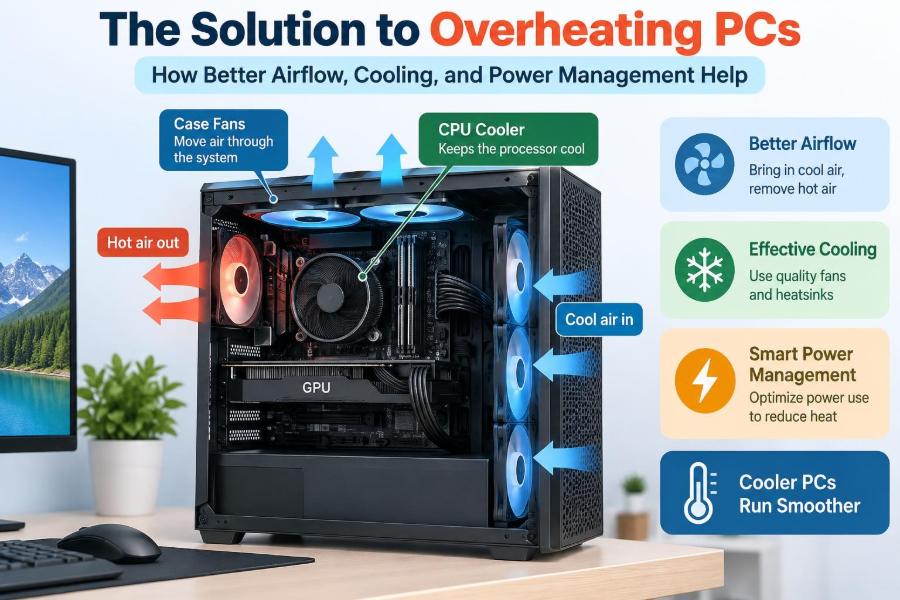
🖥️ The Solution to Overheating PCs: How Better Airflow, Cooling, and Power Management Help
Posted inFeatured

🖥️ The Solution to Overheating PCs: How Better Airflow, Cooling, and Power Management Help

Posted by admin November 12, 2026
Learn what causes PC overheating and how airflow, clean cooling parts, smarter fan settings, and power management can improve performance and stability. 🔧🌡️⚡
Read More
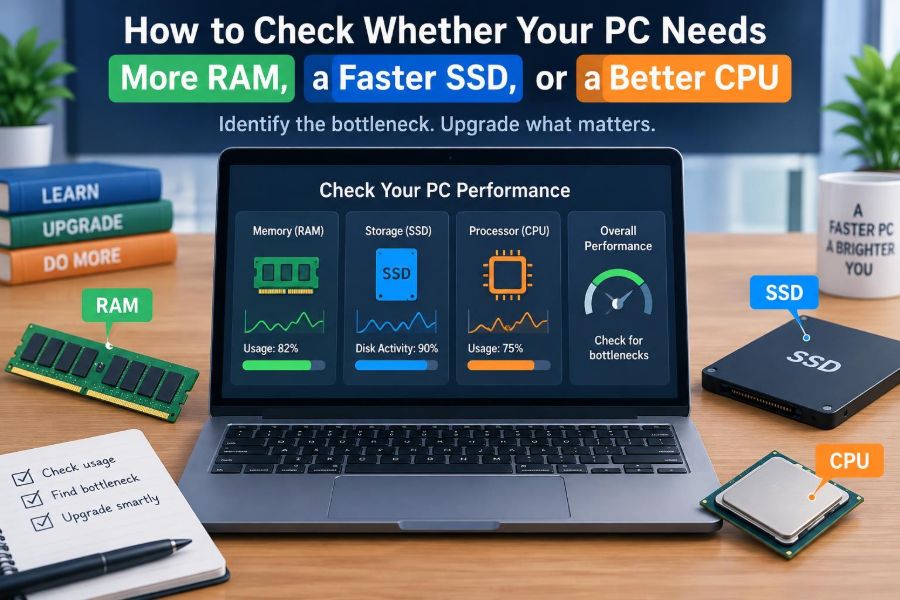
🖥️ How to Check Whether Your PC Needs More RAM, a Faster SSD, or a Better CPU
Posted inFeatured

🖥️ How to Check Whether Your PC Needs More RAM, a Faster SSD, or a Better CPU

Posted by admin October 23, 2026
Stop guessing which PC part to replace. Learn the telltale signs of RAM pressure, slow storage, and CPU limits—and use Task Manager to confirm them. ⚡💾🧠
Read More
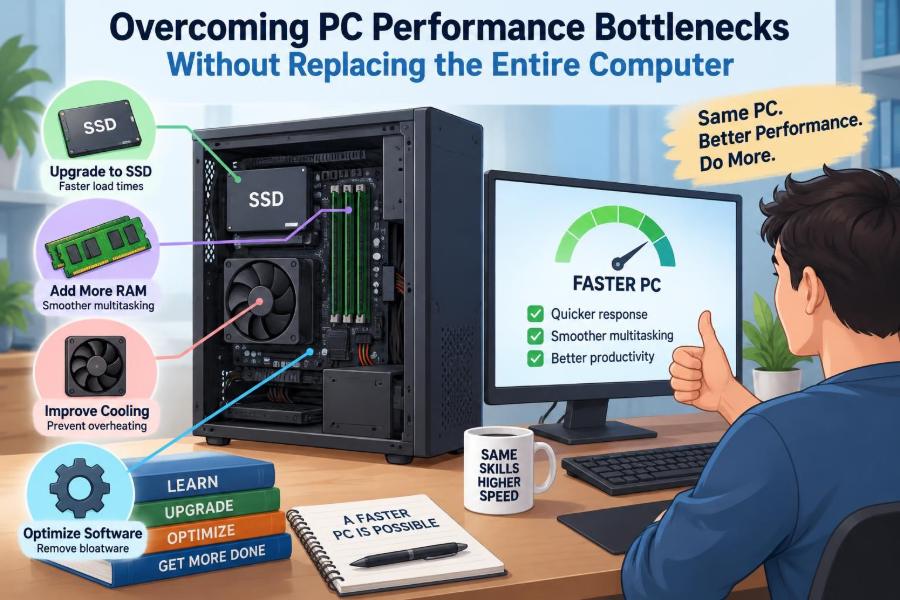
🖥️ Overcoming PC Performance Bottlenecks Without Replacing the Entire Computer
Posted inFeatured

🖥️ Overcoming PC Performance Bottlenecks Without Replacing the Entire Computer

Posted by admin October 19, 2026
Before replacing your computer, learn to spot the real bottleneck—from RAM and storage to heat, software, and graphics settings. Make upgrades that solve the problem. ⚙️💾🚀
Read More
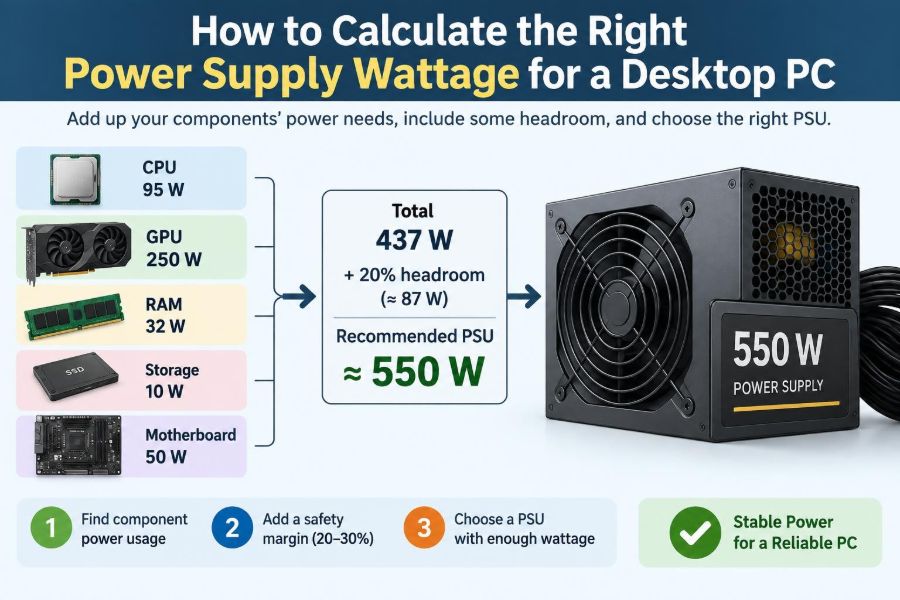
🖥️ How to Calculate the Right Power Supply Wattage for a Desktop PC
Posted inFeatured

🖥️ How to Calculate the Right Power Supply Wattage for a Desktop PC

Posted by admin September 26, 2026
Avoid an underpowered—or needlessly oversized—PSU. Learn to estimate CPU, GPU, and accessory power, add sensible headroom, and check the cables that matter. 🔌📊🛠️
Read More
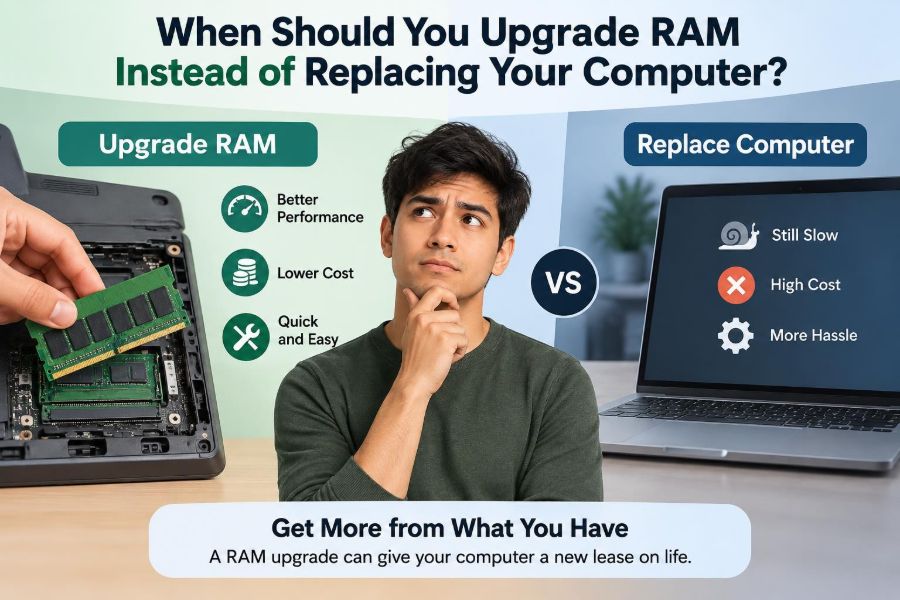
💻 When Should You Upgrade RAM Instead of Replacing Your Computer?
Posted inFeatured

💻 When Should You Upgrade RAM Instead of Replacing Your Computer?

Posted by admin September 25, 2026
Before replacing a sluggish computer, learn the signs of a true memory bottleneck, what RAM can fix, and when a new machine makes more sense. 🔧📊💡
Read More

Recent Posts

  • 🖥️ Understanding BIOS and UEFI: What Happens Before Your Operating System Starts
  • 🖥️ The Solution to Overheating PCs: How Better Airflow, Cooling, and Power Management Help
  • 🖥️ Real-World Uses of RAID Storage in Servers, Data Centers, and Business Systems
  • 🖥️ Breaking Down PC Performance: What the CPU, RAM, SSD, and GPU Actually Contribute
  • 🖥️ What Determines the Price of a Laptop or Desktop Computer?

Recent Comments

No comments to show.

Archives

  • November 2026
  • October 2026
  • September 2026
  • August 2026
  • November 2021
  • October 2021
  • August 2021
  • July 2021

Categories

  • Basics
  • Cybersecurity
  • Featured
  • Uncategorized
Copyright 2026 — Computer Fundamentals. All rights reserved. Bloghash WordPress Theme
Scroll to Top