Skip to content
  • facebook.com
  • twitter.com
  • t.me
  • instagram.com
  • youtube.com
Computer Fundamentals

Master the Basics. Understand the Technology Behind Every Computer.

Subscribe
  • Home
  • About
  • Blog
  • Contact
  • Online Tools
  • Computer Fundamentals App
  • Home
  • Laptop maintenance
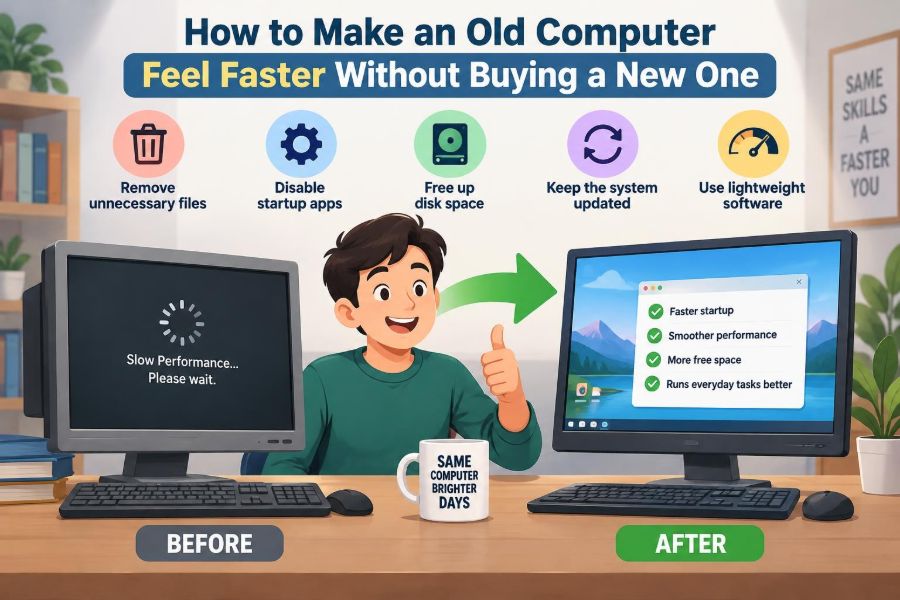
🖥️ How to Make an Old Computer Feel Faster Without Buying a New One
Posted inFeatured

🖥️ How to Make an Old Computer Feel Faster Without Buying a New One

Posted by admin October 19, 2026
Before replacing a slow laptop or desktop, find what is actually holding it back. Learn practical fixes for storage, RAM, startup apps, heat, browsers, and more. 🛠️💾🚀
Read More
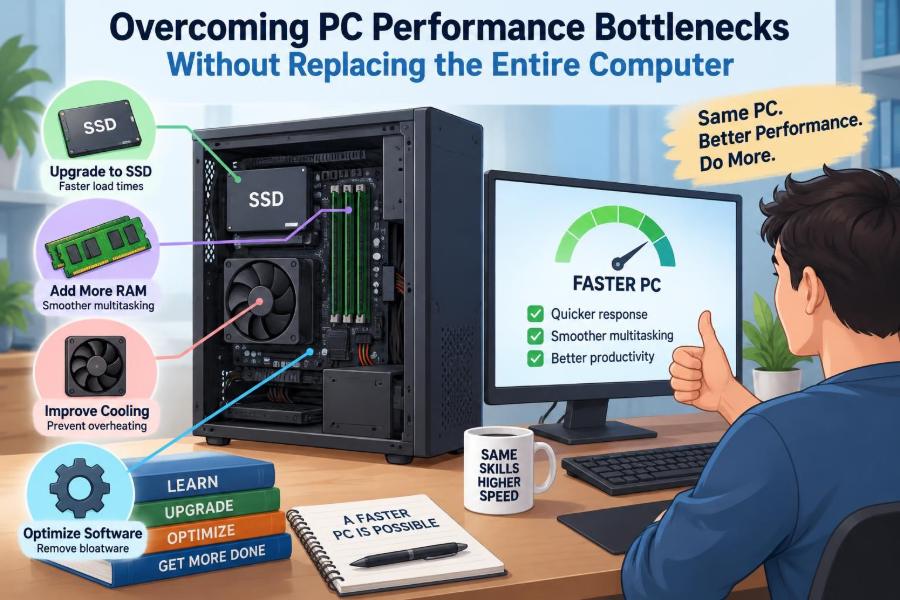
🖥️ Overcoming PC Performance Bottlenecks Without Replacing the Entire Computer
Posted inFeatured

🖥️ Overcoming PC Performance Bottlenecks Without Replacing the Entire Computer

Posted by admin October 19, 2026
Before replacing your computer, learn to spot the real bottleneck—from RAM and storage to heat, software, and graphics settings. Make upgrades that solve the problem. ⚙️💾🚀
Read More
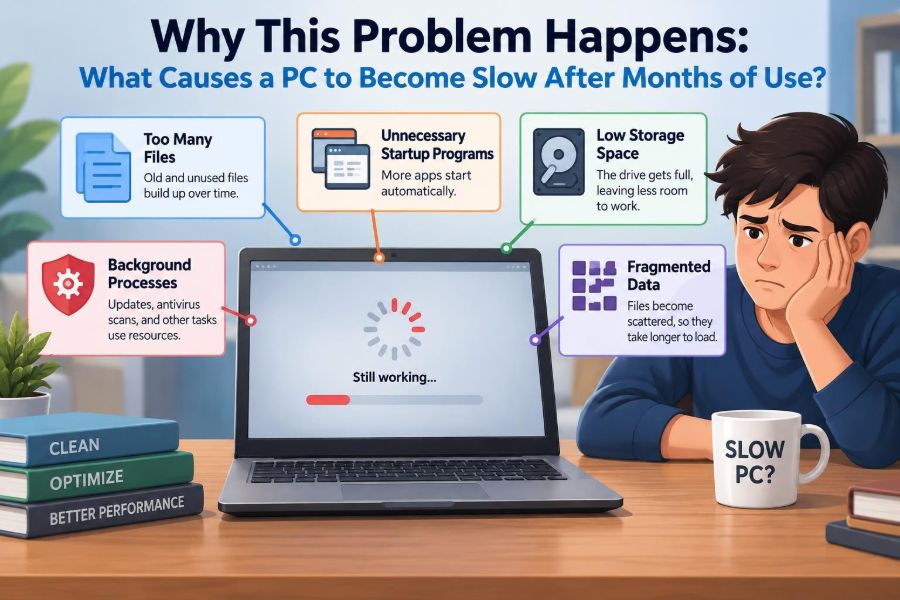
🖥️ Why This Problem Happens: What Causes a PC to Become Slow After Months of Use?
Posted inFeatured

🖥️ Why This Problem Happens: What Causes a PC to Become Slow After Months of Use?

Posted by admin October 2, 2026
Boot delays, browser lag, noisy fans, and freezes often have different causes. Learn what your PC is really waiting for—and which fixes are worth trying. ⚙️🔍💻
Read More
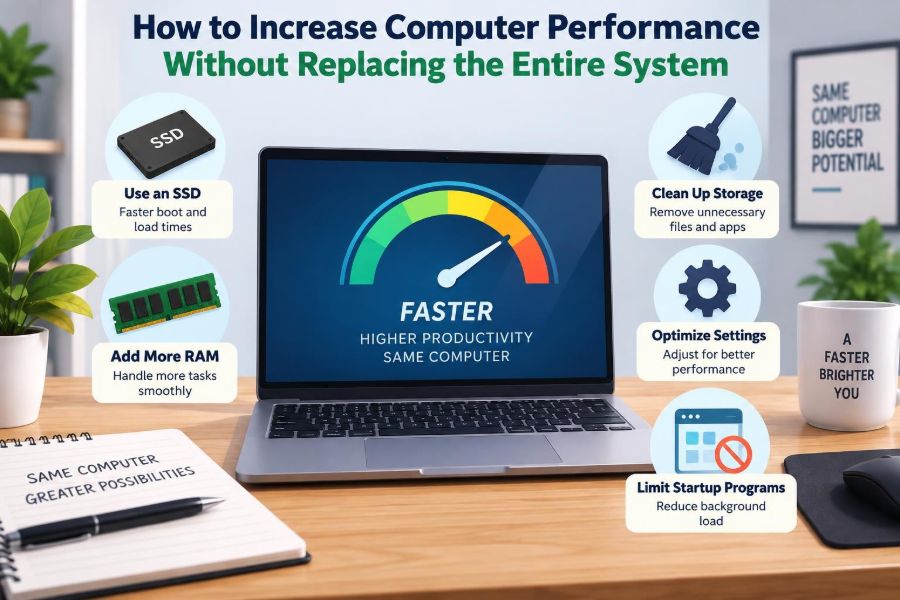
🖥️ How to Increase Computer Performance Without Replacing the Entire System
Posted inFeatured

🖥️ How to Increase Computer Performance Without Replacing the Entire System

Posted by admin October 2, 2026
Before replacing your computer, find the real bottleneck. Learn when an SSD, more RAM, cleaner startup settings, or better cooling can make a meaningful difference. 🧠🛠️🔍
Read More
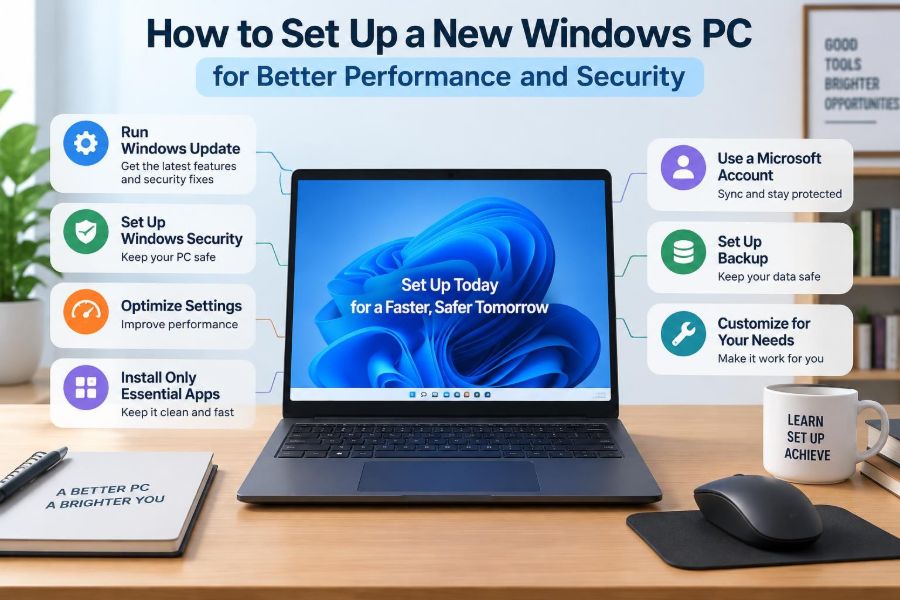
🖥️ How to Set Up a New Windows PC for Better Performance and Security
Posted inFeatured

🖥️ How to Set Up a New Windows PC for Better Performance and Security

Posted by admin September 30, 2026
A fast new computer can become cluttered and vulnerable quickly. Learn the practical Windows settings for updates, backups, privacy, startup speed, and safer accounts. ⚙️🛡️💾
Read More
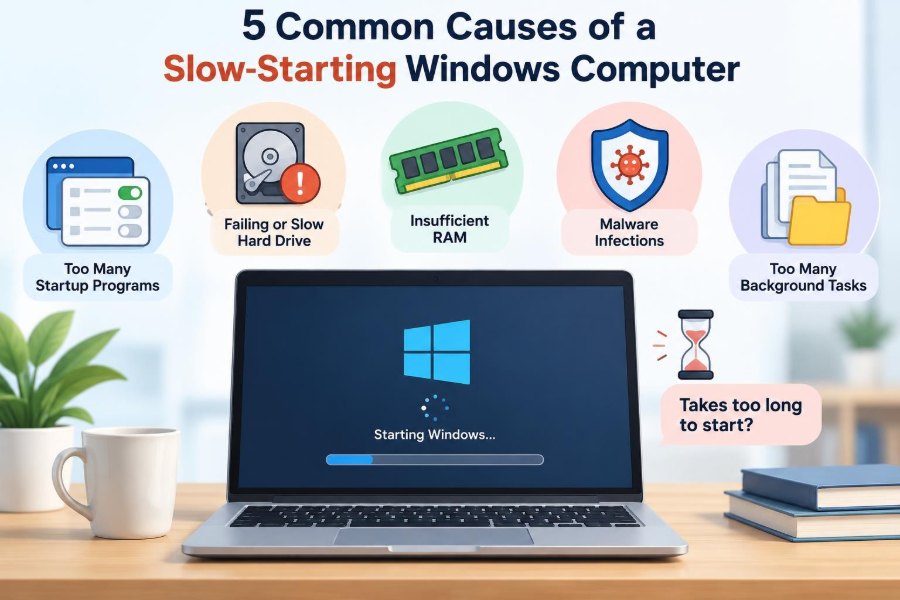
🛠️ 5 Common Causes of a Slow-Starting Windows Computer
Posted inFeatured

🛠️ 5 Common Causes of a Slow-Starting Windows Computer

Posted by admin September 18, 2026
A slow Windows startup often has a fixable cause—from crowded startup apps to storage, drivers, or unwanted software. Learn what to check first and what to leave alone. 💻⚡🔍
Read More

Recent Posts

  • 🖥️ How to Find Which Program Is Secretly Using Most of Your Computer’s Resources
  • 🖥️ What Is Actually Happening Inside Your Computer While You Use It?
  • 🖥️ Is It Worth Upgrading an Old PC with More RAM and an SSD?
  • 🖥️ After a Windows Update: Why Some Computers Become Faster, Slower, or Unstable
  • 🖥️ Inside Your Computer’s Memory System: How Cache, RAM, and Storage Work Together

Recent Comments

No comments to show.

Archives

  • November 2026
  • October 2026
  • September 2026
  • August 2026
  • November 2021
  • October 2021
  • August 2021
  • July 2021

Categories

  • Basics
  • Cybersecurity
  • Featured
  • Uncategorized
Copyright 2026 — Computer Fundamentals. All rights reserved. Bloghash WordPress Theme
Scroll to Top